Disguise Your Raspberry Pi as an Apple II: Building and Using the LinApple Emulator
Synopsis
For the last Maker Monday before Halloween, the Raspberry Pi blog dresses a Raspberry Pi up as the 1977 Apple II. The tutorial is excerpted from The Raspberry Pi Guide to Retro Gaming. It begins with historical background. The Apple II belongs to the 1977 “trinity” alongside the Commodore PET and TRS-80, and Steve Wozniak designed it with games in mind after his work on Atari’s Breakout. The practical section shows how to compile the LinApple emulator from source and adjust its configuration. It then boots the Master.dsk image and walks through a short BASIC program that moves a square around the screen with the WASD keys. The article ends with handy BASIC commands, a pointer to Lee Fastenau’s type-in programs, and a plug for the book.
Summary
The Apple II was not the first personal computer, nor the strongest gaming machine of its era. Even so, it shipped with colour graphics, paddle support and sound, all shaped by Wozniak’s Breakout experience. Its native audio was CPU-hungry, which made add-on cards such as the Mockingboard popular. Wozniak’s Integer BASIC dropped floating-point maths in exchange for speed. The fuller Applesoft BASIC first came on cassette and moved into ROM with the Apple II Plus.
The tutorial uses LinApple, a Linux fork of AppleWin, and also mentions audetto’s AppleWin fork, which tracks upstream more closely. Because LinApple is not available through apt, readers build it themselves in these steps:
- update the system;
- install the dependencies: git, g++, cmake, SDL3, libzip, libcurl, zlib and imagemagick;
- clone the repository;
- configure and build with cmake using -j4;
- install to /usr/local.
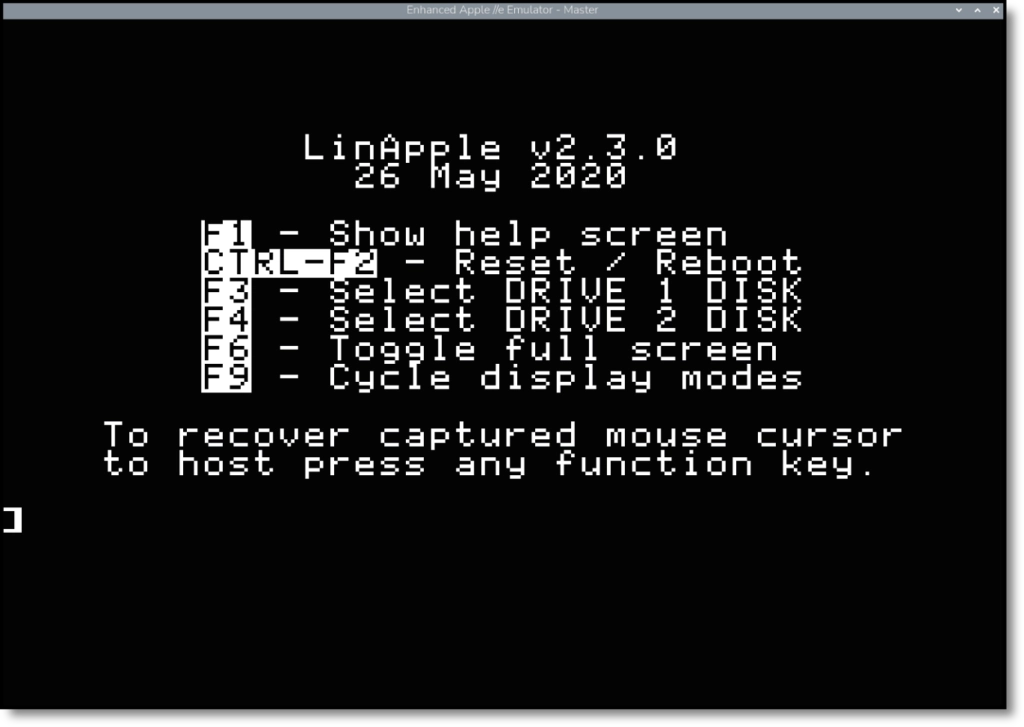
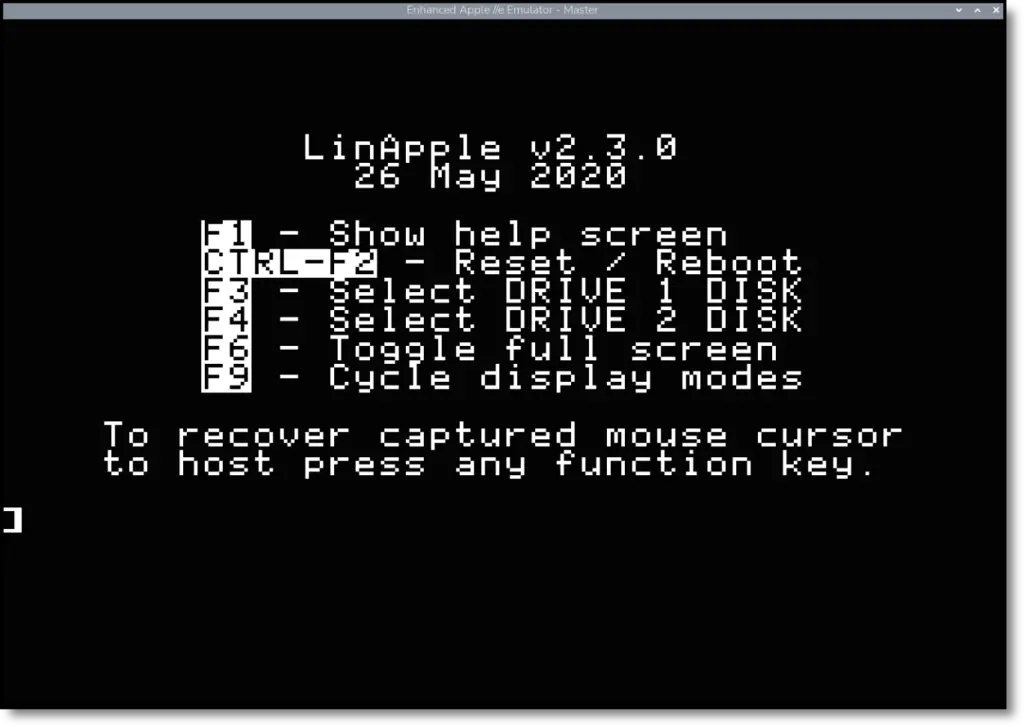
Next, readers copy linapple.conf and Master.dsk into their home directory. In the config, they set Joystick 0 to 4 so the mouse acts as a joystick, and set Screen factor to 2.5 for a larger window. Inside the emulator, F1 releases the mouse and F6 toggles full screen.
The sample program draws a square in hi-res graphics. It reads the keyboard via PEEK(-16384), clears the keyboard strobe with POKE -16368, moves the square in response to WASD and clamps it to the screen edges. The article explains that the colour shifts on the vertical lines come from NTSC artefact colour: the Apple II outputs a monochrome signal and relies on signalling tricks to produce colour. A list of commands follows: TEXT, LIST, RUN, NEW, CATALOG, SAVE, LOAD and CTRL+C. The article also notes that many games are binaries rather than BASIC programs.
Critical Analysis
This is a friendly, well-paced tutorial. The history gives the hands-on section a purpose, and turning colour artefacts into a teaching moment is a nice touch. There are some flaws, though.
The article praises Integer BASIC but then runs an Applesoft program at the ”]” prompt, since HGR and HCOLOR are Applesoft commands. That may confuse newcomers.
Several commands are broken across lines and will fail if pasted as shown: the apt install, the git clone and the linapple launch line.
Smaller slips include a BASIC listing tagged as shell code and a subroutine labelled “cube” that actually draws a square.
The piece also never covers loading actual games or finding legal disk images, and it ends as a book promotion. It is a solid starting point, but readers will need to watch the details.
Pros and Cons
| Pros | Cons |
|---|---|
| Engaging historical context | Conflates Integer BASIC with Applesoft BASIC |
| Complete step-by-step build instructions | Line-wrapped commands break when copy-pasted |
| Clear explanation of artefact colour | No guidance on loading or sourcing games |
| Simple, well-explained sample program | Minor errors (shell label, “cube” vs square) |
| Mentions alternative forks and resources | Partly promotional in tone |
Sources
Author: Brian Jepson
URL: https://www.raspberrypi.com/news/emulate-apple-ii-on-raspberry-pi/
Publication Date: 2026-10-26
Rights and Attribution
Images, logos, and photographs are the property of their respective owners. Used for commentary purposes.
← Back to blog